
-
-
Use the Charging Base When Not in Use:
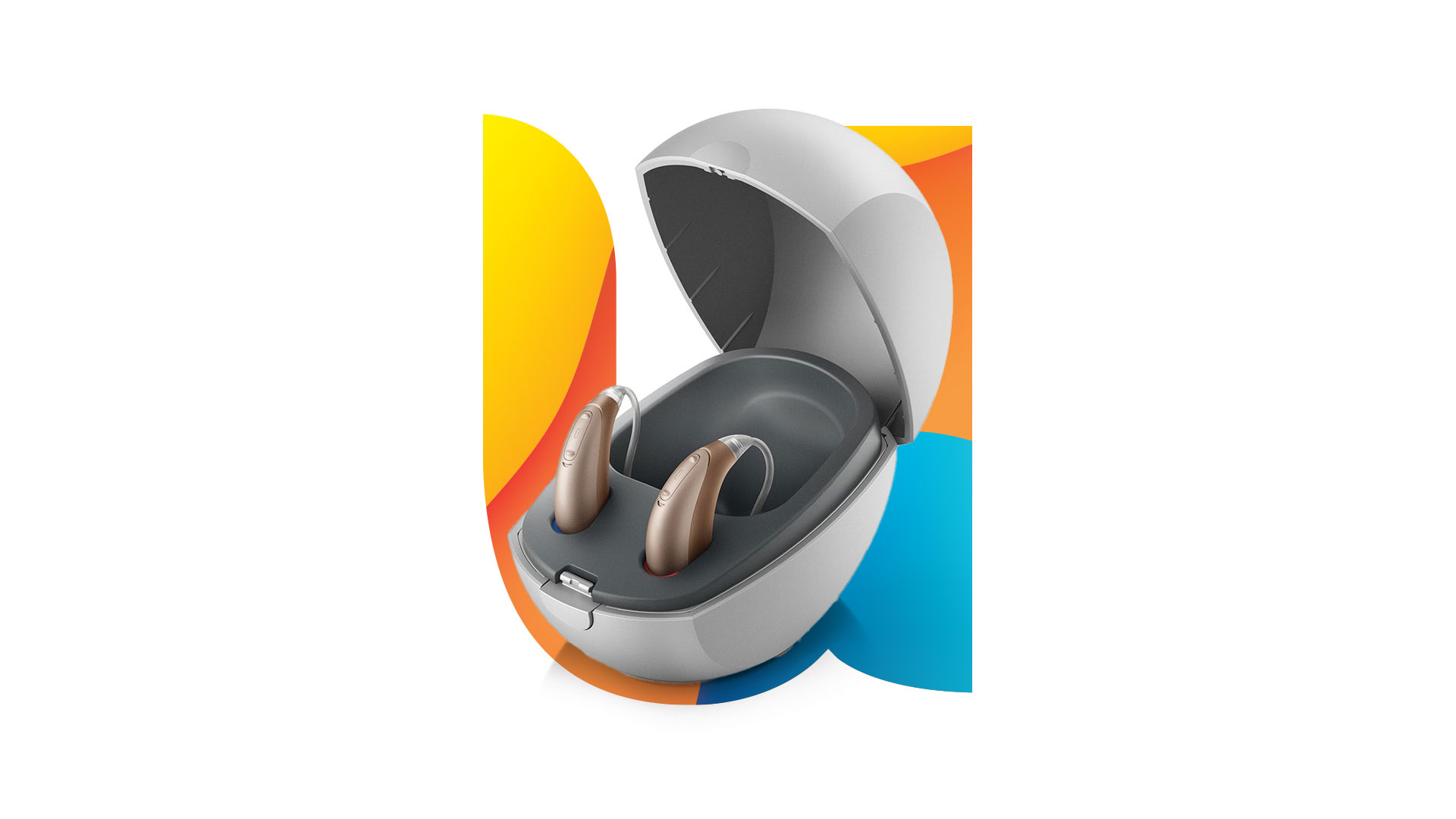
Always place your hearing aids in the charging base connected to power when not in use. Overcharging will not harm the lithium-ion battery. -
Proper Power Connection:
Connect the USB adapter to the power cable and then to a wall outlet. Avoid charging via a laptop or computer.The hearing aid lights will start blinking to indicate charging status. -
Nightly Charging Routine:
Place your hearing aids in the charger every night, ensuring the receiver of RIC models or the hook of BTE models is correctly positioned in the open compartment of the charger. -
Charging Indicators:
When properly seated in the charger, the hearing aids will start blinking, indicating correct charging. Once fully charged, the light will turn solid green. -
Cleaning the Charger Pads:
Clean the charging pads with a dry brush or cloth. Do not use any liquids to clean the hearing aids or charger. -
Automatic Power-Off:
Hearing aids automatically turn off when placed in the charging base connected to power. If the charger is not connected to electricity, manually turn off the hearing aids before placing them in the charger. -
Low Battery Alerts:
If you hear a low battery warning, place the hearing aids in the charger. -
Red Blinking Light During Charging:
If the hearing aid shows a red blinking light while charging, it indicates the remaining battery is below 10%.
-
31/08/2025